 New in 0.1.5 and 0.1.6
A big one: controller layouts, a real desktop, and Quick Resume that works
The biggest Hearth update yet, on Hearth OS on Anatase.
0.1.6 adds Beacon (Battle for Middle-earth, Age of the Ring and more, with mods) right in the library and on the desktop, Handheld Daemon's power controls in Quick Access with per-game power, more compact Settings, a new website, and fixes for Quick Resume flicker, games that wouldn't close, and sign-ins on the desktop.
Hearth Input
Play games that have no controller support: a game's controller layout turns the controller into a keyboard and mouse while you play. Ready-made layouts for shooters, strategy and retro games, or make your own with tap and hold, a second set of buttons, gyro aiming and the back paddles.
Quick Resume that shows the right game
Every game now gets its own number, the way SteamOS does it, so switching between games put aside always brings back the one you picked.
Every Handheld Daemon setting
Controller mode, gyro, back buttons, power, fan and lights, all inside Hearth in its own look. Quick Access over games is drawn through Handheld Daemon now, and it's much smoother.
Mantel, a full desktop
Pin apps to the taskbar, snap windows to halves and corners, Alt+Tab, four desktops, icons on the desktop, a calendar and notification history, and new Settings for date and time, keyboard layouts, default apps, users and printers. Plus an Apps store for Flathub and clipboard history on Super+V.
Sign in on the desktop
Store sign-ins from Game Mode open in Desktop Mode, where the keyboard and mouse work normally, then bring you back.
Steam stays out of sight
Steam runs quietly in the background, so pressing Play brings up the game, not Steam's windows. Quick Access opens while a game is starting, and Couch Co-op is in the main menu.
Earlier releases
All release notes on GitHub0.1.1Play together, on one screen or manyCouch Co-op, Multi-seat and fixes
Two new ways to play together, both Beta Experimental: they're new and haven't been tested on real devices yet, so expect rough edges and send logs from Settings › System when something goes wrong.
Couch Co-op Beta Experimental
Split-screen for 2 to 4 players, even in games that don't have it: every player gets their own part of the screen, their own controller and their own copy of the game, which find each other like on a local network. Each player just presses A to join. Games with anti-cheat aren't supported.
Multi-seat Beta Experimental
One PC, several consoles: each screen or TV gets its own Game Mode with its own controllers, Steam account, games and saves. Works with a graphics card per player, or one card driving several screens. One button puts everything back.
Fixes
Quick Resume brings back the game you picked (not another game's frozen picture), the power limit works on the ROG Xbox Ally, a shorter Wi-Fi list that no longer gets the controller stuck, Xbox Cloud Gaming sign-in that doesn't click links while you type, and Ember's panels that stay open when opened with a controller.
0.1.0Hearth OS 0.1.0Hearth Browser on Chromium, Task Manager, Files and steadier controls
The first 0.1 release: a big round of bug fixes, a browser built on Chromium, and a Task Manager and Files app for the desktop, on Hearth OS and on Windows.
Hearth Browser on Chromium
The same Hearth look, now on the engine behind Chrome, Edge and Brave, so sites work as they should. Your bookmarks, history and settings come along, and ads and trackers stay blocked.
Task Manager
Close an app that stopped responding, see CPU, memory and GPU use with live graphs, check temperatures, fans and battery, and choose what starts with the desktop. Ctrl+Shift+Esc opens it.
Files
Browse your folders, games, USB drives and SD cards, copy and move with progress, rename, and use the Trash, all with a controller: X brings up the actions.
Ember's Mantel, same as Hearth's
On Windows, Mantel now looks and works like Hearth OS's desktop: the same icons, wallpapers, taskbar, launcher, Quick Access, Hearth menu, on-screen keyboard and settings, plus night light.
Steadier controls
No more jumping selection or menus that skip buttons, a controller that keeps working after Desktop Mode, and Quick Access that always hands the game its controller back.
Updates you can trust
Update now shows real progress and tells you plainly when you're already up to date, and every release has to prove it can update itself before it's published.
Game Mode
Made for a controller from the first screen
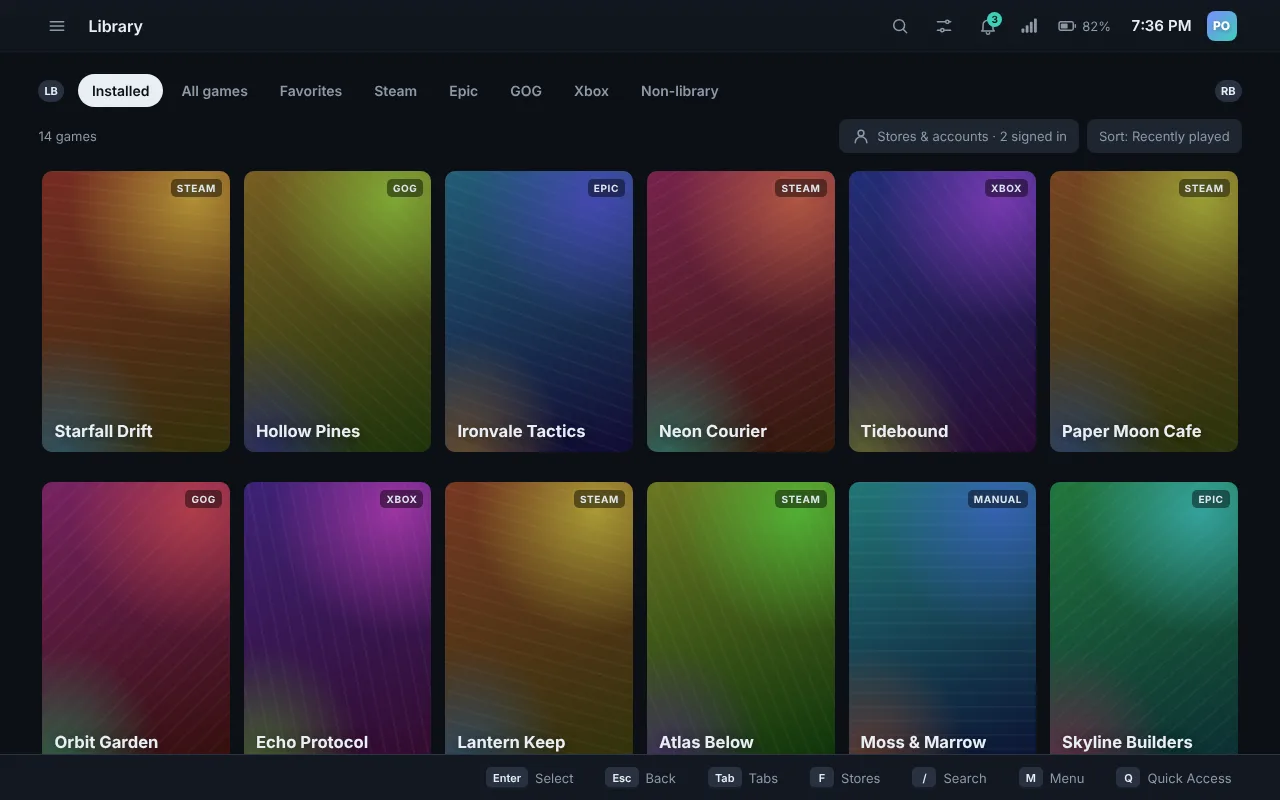
Game Mode runs fullscreen in gamescope, the same compositor SteamOS uses. Everything works with the D-pad, sticks and face buttons, with an on-screen keyboard whenever you need to type.
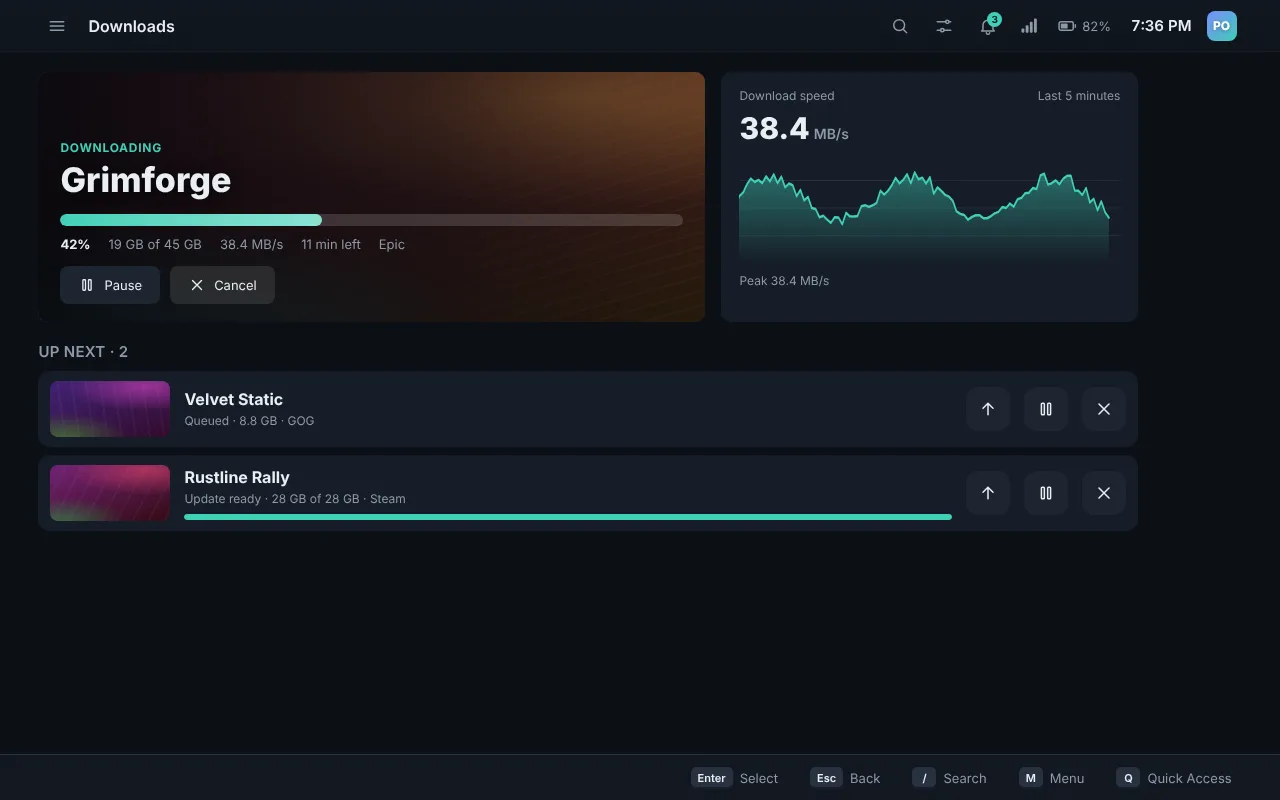
- One library for every store. Install, play and uninstall Epic and GOG games without their launchers.
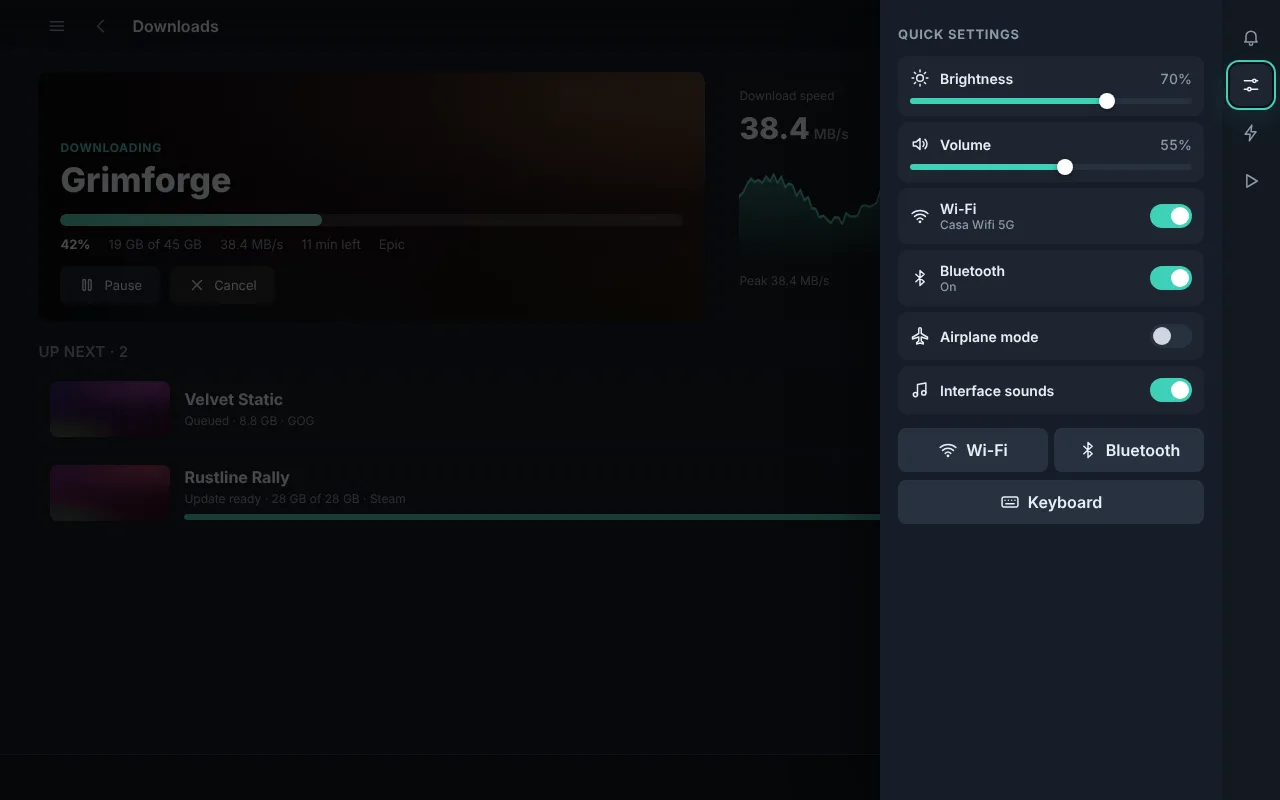
- Quick Access over any game. Press the Xbox button for volume, brightness, power limit, frame-rate limit, screenshots and open apps. The game keeps running underneath and doesn't see your button presses.
- Quick Resume, like an Xbox. Put a game aside and jump into another; up to five stay paused in memory and carry on right where you left them.
- Cloud saves for Epic and GOG, plus your Steam friends list: who's online and what they're playing.
- Profiles for the whole household. Everyone gets their own Steam account, sign-ins and play time, with an optional PIN and parental controls, while sharing the installed games.
- Works offline. Game art is saved on the device, so your library looks the same on a plane.
 Mantel
A real desktop, still in reach of your thumbs
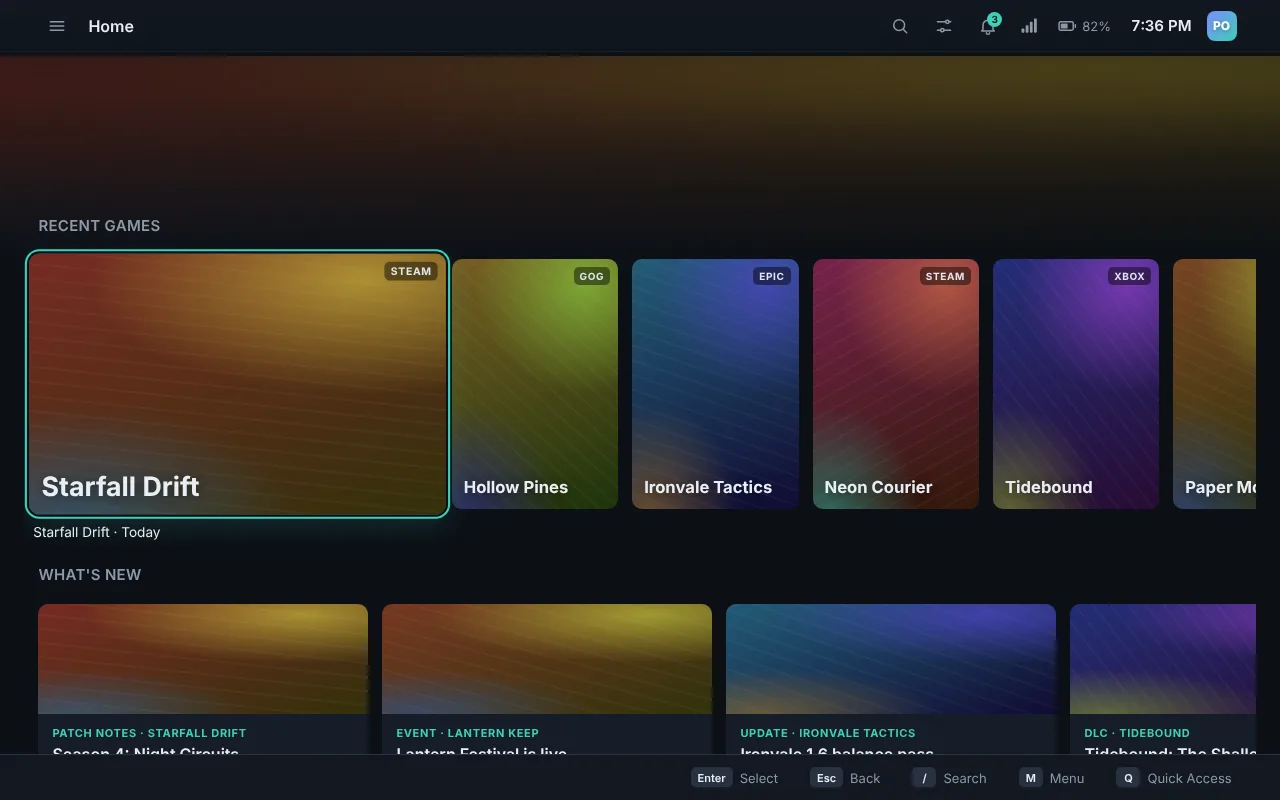
Mantel is Hearth's desktop. Switch to it from Game Mode for browsing, mods, files and anything else, then hop back with one button. No logging out.
- Its own settings app for Wi-Fi, Bluetooth, sound, display, power, controller and updates.
- The controller works as a mouse and keyboard everywhere on the desktop.
- Power limit and power modes you can set yourself, plus volume up to 150% when you turn it on.
- Wallpapers made for Hearth, including moving ones.
- Hearth Browser, Hearth's own web browser on Chromium, with tabs, bookmarks, history and downloads.
- Task Manager and Files, made for a controller: end stuck apps, watch performance, and move your files, games and SD cards around.
- A lock screen and login screen you can use with a controller, or skip altogether: you choose whether it asks for a password.
- On Windows too: Ember's Mantel is the same desktop, with the same taskbar, launcher, Quick Access and Hearth menu.
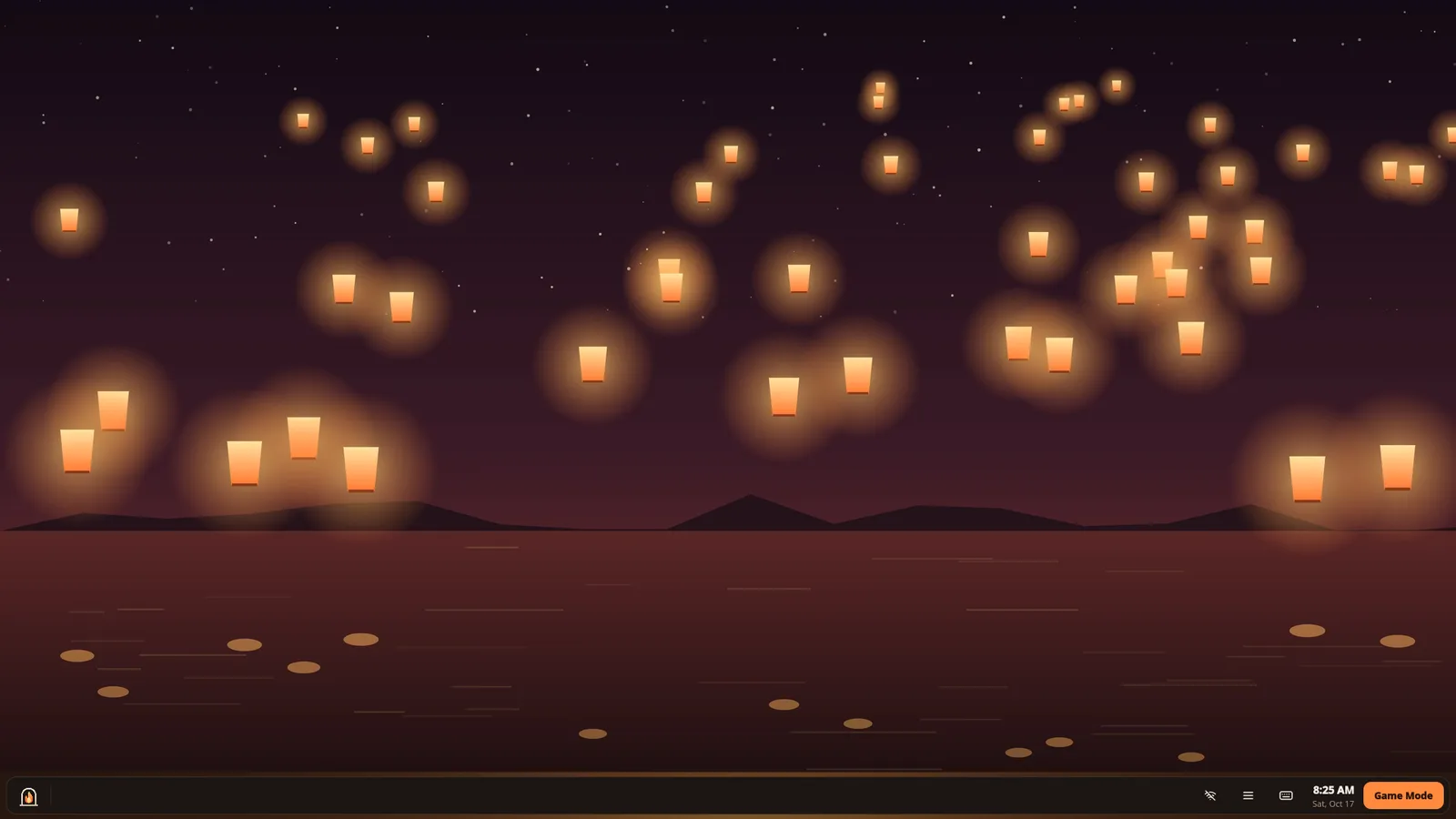
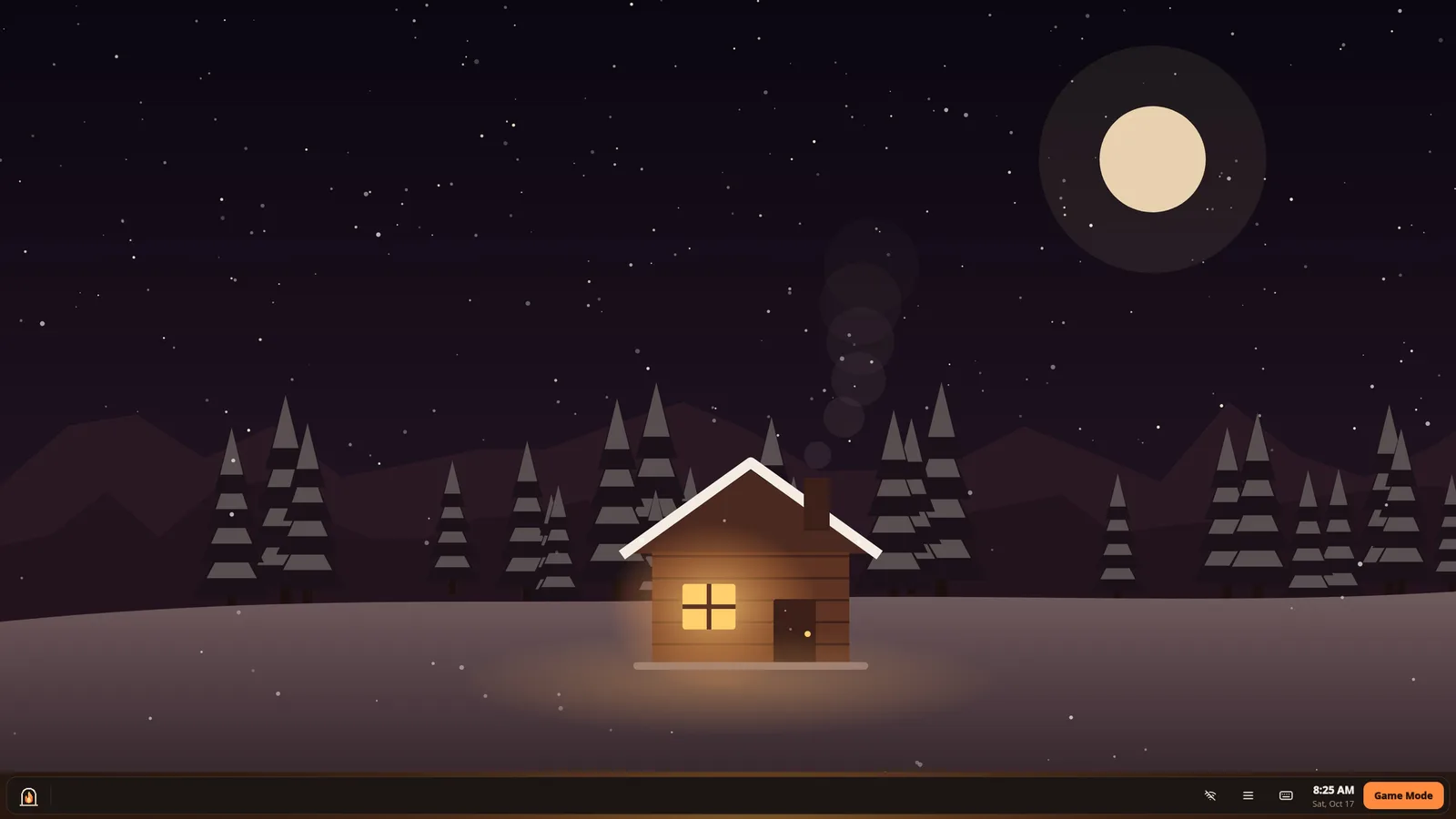






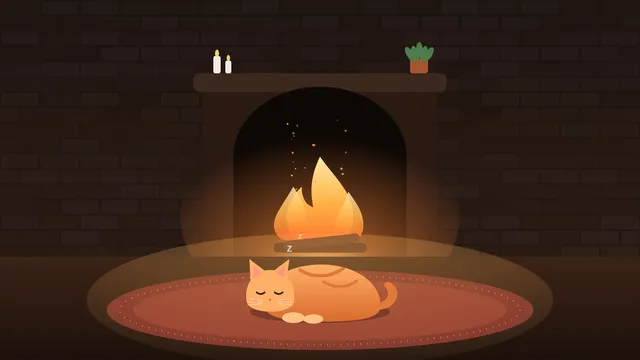

Some of the wallpapers made for Hearth.
Under the hood
A system that looks after itself
Hearth OS is an image-based system: the whole OS updates as one piece, and if something goes wrong you boot the previous version.
Updates that roll back
System updates land in the background and take effect on the next boot. A bad one is undone by picking the previous entry.
Handhelds and desktops
Built on Anatase, with Handheld Daemon for the ROG Ally, Legion Go and Steam Deck, and one image for desktop PCs with AMD, Intel or Nvidia graphics.
Your power, your call
Pick a power mode, set the power limit in watts and cap the frame rate, for the whole system or per game. Hearth remembers it across restarts.
Remap your controller
Change what each button does and save layouts, right from Settings.
Sign in your way
Each store's own sign-in page, with the on-screen keyboard and controller mouse built in.
Nothing injected
The overlay is an ordinary window on top, so anti-cheat has nothing to object to.
Its own installer
Install next to Windows or on a whole drive, with a controller or a mouse. Then Hearth offers to bring your Steam, Epic, GOG and Lutris games over.
Password or not
Sign in automatically like a console, or ask for a password at start and after sleep. Your call, and you can change it any time.
Hearth Browser
A web browser in Hearth's look, built on Chromium, that blocks ads and trackers. Your bookmarks, history and tabs stay on your device.
Coming next
A new foundation: moving from Bazzite to Anatase
Hearth OS has been built on Bazzite, and Bazzite got it a long way. But Hearth brings its own Game Mode, desktop and settings, and underneath them Bazzite carries a lot Hearth doesn't use. So Hearth OS is moving to Anatase, a lean, image-based system from people who worked on Bazzite.
Why we're leaving Bazzite
- Too much we don't use. Bazzite ships its own Steam Game Mode setup, KDE desktop, tools and services. Hearth replaces most of them, but they still take space, memory and start-up time on every device.
- Heavier and slower than it should be. The system image is big (an install downloads 8 to 10 GB), updates are larger, and Hearth felt sluggish on top of it, especially on Nvidia.
- Two versions of everything. Bazzite needs a separate image and ISO for Nvidia. Anatase is one image for AMD, Intel and Nvidia, so there's one download for every PC.
- Better handheld support. Anatase uses Handheld Daemon for controllers, gyro, back buttons, fans and power limits, which Hearth can show in its own screens.
Hearth OS on Anatase
Main editionThe main Hearth OS from now on. Lighter and faster, one ISO for every graphics card, and Hearth's own screens for everything Handheld Daemon can do. Moving over is a clean install that keeps your games and their saves; you choose when, from Settings › Updates.
- Base
- Anatase, image-based
- Graphics
- One ISO for AMD, Intel and Nvidia
- Handhelds
- Handheld Daemon
Hearth OS on Ubuntu
Beta ExperimentalThe same Hearth on Ubuntu 26.04 LTS, without snaps, with Handheld Daemon. For people who want Ubuntu's long-term support underneath.
- Base
- Ubuntu 26.04 LTS, without snaps
- Handhelds
- Handheld Daemon
Hearth OS on CachyOS
Beta ExperimentalThe same Hearth on CachyOS's performance-tuned packages and kernels (including its handheld kernel), with Handheld Daemon. For people who want every last frame.
- Base
- CachyOS, performance-tuned
- Needs
- A 2015-or-newer CPU, Secure Boot off
- Handhelds
- Handheld Daemon
Hearth OS on Peppermint
Beta ExperimentalThe same Hearth on Peppermint OS (Debian 13), with Handheld Daemon. Light and plain, for people who want Debian's steady base underneath.
- Base
- Peppermint OS on Debian 13
- Handhelds
- Handheld Daemon
All four are being built now and aren't ready to download yet. Hearth OS on Bazzite is archived: 0.1.3 was its last update. If you have it, move to the new Hearth OS from Settings › Updates › Move to a new Hearth OS (your games and saves stay).
Download
Get Hearth OS
The live ISO boots straight into Hearth so you can try it, then installs it from the welcome screen. Handhelds and desktop PCs both work, and one ISO covers AMD, Intel and Nvidia graphics. Already on Bazzite or Fedora Atomic? Switch with one command.
Hearth OS on Anatase (ISO)
The main Hearth OS, for handhelds, desktops and laptops with AMD, Intel or Nvidia graphics. Installing erases the drive you pick, or goes next to Windows.
Steam Deck, ROG Ally, Legion Go and most desktops and laptops. Nvidia: GeForce GTX 16 series, RTX 20 series and newer.
Other editions
The same Hearth on a different base, each with Handheld Daemon. Not tested on real devices yet.
- Ubuntu 26.04 LTS, without snaps
- CachyOS, performance-tuned (needs a 2015-or-newer CPU, Secure Boot off)
- Peppermint on Debian 13
Ember for Windows 11
The same controller-first library as a Windows shell, with Mantel, Hearth's desktop, in place of the taskbar and desktop (or on top of them). Switch back to Explorer any time. Paste this into PowerShell to install it:
irm https://raw.githubusercontent.com/Dragongamer9/hearth-os/main/tools/install-nimbus.ps1 | iexHearth app for other Linux systems
Hearth's Game Mode as an AppImage, to try on the Linux you already have.
Installing from the ISO
- Write the ISO to a USB stick (16 GB or more) with Fedora Media Writer or balenaEtcher.
- Boot from the USB. On a desktop, open the boot menu (often F12, F11 or F8 at power-on). On a ROG Ally, hold Volume Down while powering on.
- Try it out. The live system starts in Hearth with a welcome card. Nothing is changed yet.
- Choose Install Hearth, pick a drive and restart when it's done.
Switching from Bazzite, Fedora Atomic or another image-based system
Already on an image-based Fedora system (Bazzite, Bluefin, Aurora, Silverblue, Kinoite)? You can switch it to Hearth OS on Anatase with one command, no USB stick. Your account and your files stay, and the system you had stays in the boot menu, so you can go back. Beta Experimental: back up anything important first.
From Hearth OS on Bazzite
Open Settings › Updates › Move to a new Hearth OS and pick Hearth OS on Anatase. It's a clean move that keeps your games, their saves and your Steam, Epic and GOG libraries, and puts the rest of your home folder aside for 30 days. Or, in a terminal in Desktop Mode:
pkexec /usr/libexec/nimbus/hearth-admin move-to-new-osFrom Bazzite, Bluefin, Aurora or Fedora Atomic
In a terminal, then restart:
sudo bootc switch ghcr.io/dragongamer9/hearth-os:latestOn an older system without bootc:
sudo rpm-ostree rebase ostree-unverified-registry:ghcr.io/dragongamer9/hearth-os:latestChanged your mind? Pick the previous entry in the boot menu, or run sudo bootc rollback and restart.
Hearth OS updates itself from then on (Settings › Updates). The Ubuntu, CachyOS and Peppermint editions are a different base, so they can't be switched to from Fedora; they install from the small installer once it's available.